Session 11
Making Games in Scratch
A session with no hardware at all. Just Scratch, a few characters on a screen, and the slightly humbling discovery that computers do exactly what you say, not what you mean.
- Date
- Place
- Skill Hub
- Topic
- Coding
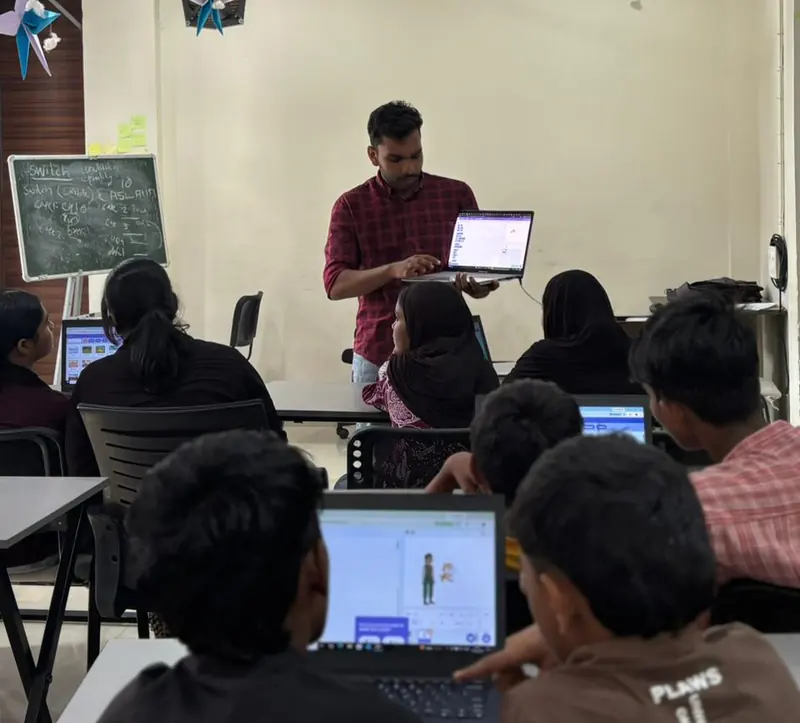
For once, nothing on the table needed wiring. Just laptops, MIT Scratch, and a cast of characters waiting to be told what to do.
Scratch builds programs out of blocks that snap together. Move ten steps. Turn fifteen degrees. When this is clicked, do that. Repeat forever. No typing, no syntax errors, so the only thing left to get wrong is the thinking itself.
And the thinking is where it gets interesting.
The first thing everyone discovers is that the character does exactly what you said. Not what you meant. You wanted it to walk across the stage. You told it to move ten steps, so it hops once, a tiny jump, and stands there. You never said keep going. The computer isn't being stubborn. It's being literal.
That's the real lesson of programming, I think, and it has nothing to do with computers. Saying precisely what you mean is hard. Most of us get away with being vague with other people because they fill in the gaps. A sprite won't.
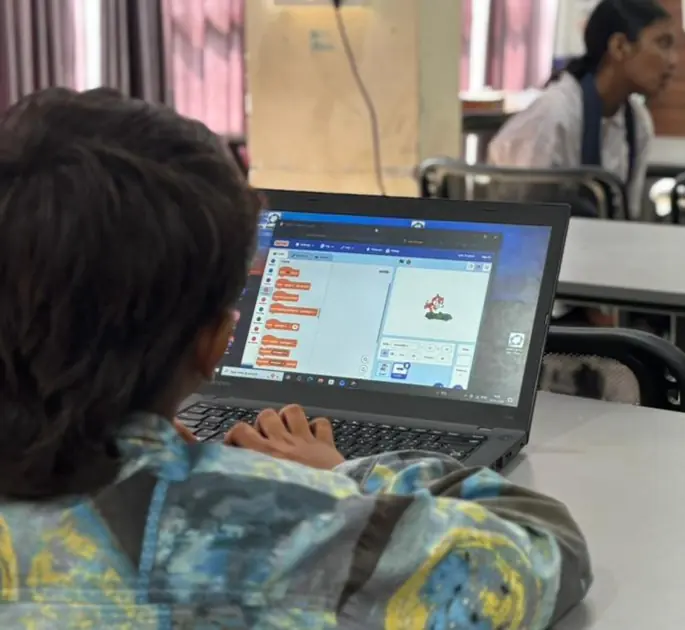
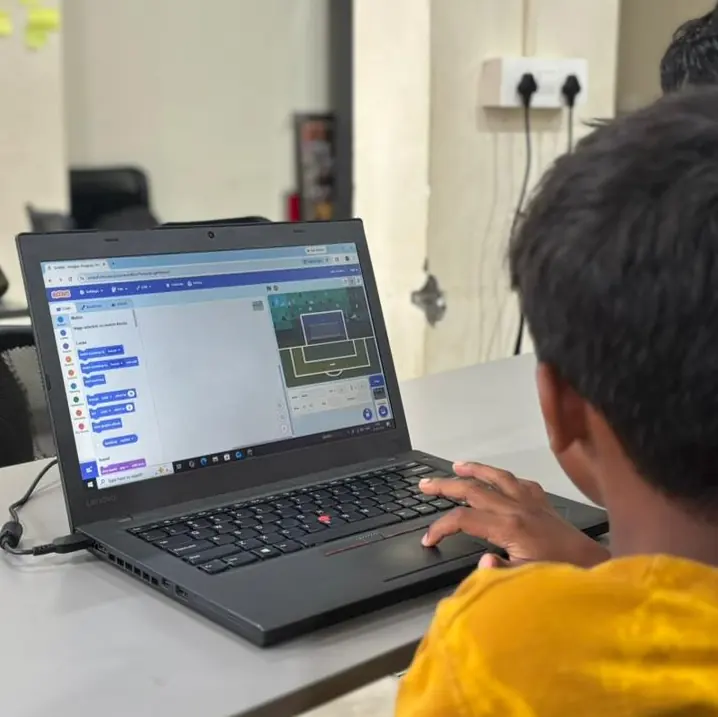
We moved from simple motion to X and Y coordinates, so characters could go to exact places. Then events, so a click or a key could start something. Loops for things that repeat. Conditions for things that should only happen sometimes.
Then the backgrounds and effects came in, and the animations turned into stories. Each student had made something out of nothing but logic and imagination.
At the end, they showed their stories to the class. That's a different feeling from playing a game someone else made. Behind every character moving on the screen was a decision they'd made, one block at a time.